I didn’t plan to rebuild my whole digital setup. It just sort of happened after one of those weeks where everything felt slow for no real reason. Not broken. Just… heavy.
I remember sitting there, switching between folders, tabs, apps, trying to find one simple thing and thinking: there’s no way this is normal. There’s no way I should be spending this much time just “looking for stuff I already have.”
That’s when I started changing things. Not all at once. A bit messy. A bit trial-and-error. But it worked.
Stop pretending your current system is “fine”
This is the uncomfortable starting point.
Most people don’t realize how much time they lose because the system is technically working. You can open files, you can browse, you can get things done… it’s just slow and scattered.
Mine looked fine too. Until I noticed I was repeating the same actions all day like I had nothing better to do.
Desktop chaos is silent time theft

I used to leave everything on my desktop. Screenshots, downloads, random files I’d “deal with later.”
Later never came.
Now I keep it almost empty. Only active work stays there. Everything else goes immediately into proper folders inside Microsoft Windows File Explorer.
It felt strict at first. Then it felt like breathing space I didn’t know I was missing.
Folders don’t need to be smart, just predictable
I wasted so much time trying to design the perfect folder system. Too many categories. Too much thinking. Too much “where does this belong?” every single time.
Now it’s simple:
Work. Personal. Projects. Archive.
If I have to pause and think too long, the system is already failing me.
One place for notes or you’ll lose your mind slowly
I used to scatter notes everywhere—apps, documents, random lists, browser bookmarks I forgot I saved.
Finding anything later felt like arguing with my past self.
Now I keep one main system in something like Notion. Not because it’s perfect, but because it’s consistent.
Consistency beats clever tools every time.
Tabs are not storage, no matter how it feels
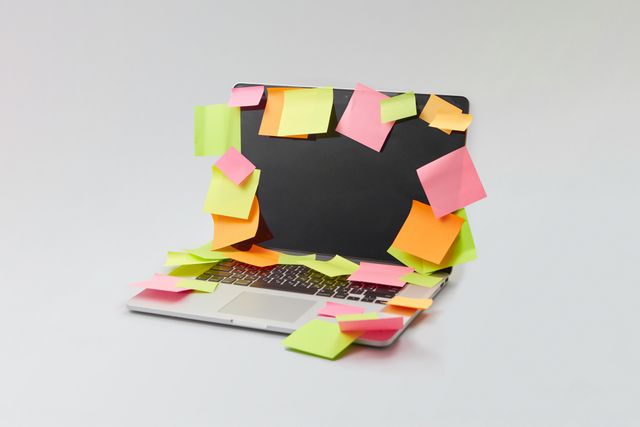
I used to leave tabs open like I was building a “research collection.”
It was just clutter.
Now I either save it properly or close it. If it matters, it gets a real place. If not, it doesn’t get to live in my browser forever.
Shortcuts quietly change how fast everything feels
I avoided keyboard shortcuts for years because they felt unnecessary.
They’re not.
Basic actions in Microsoft Windows—switching windows, copying, searching, screenshots—remove hundreds of tiny delays you don’t even notice until they’re gone.
It doesn’t feel dramatic. It just stops everything from feeling slightly slow all the time.
Notifications are smaller than they look
I used to think notifications weren’t a big deal. Just quick interruptions.
But they break focus more than you realize, even when you ignore them.
Turning off non-essential ones made my work feel less fragmented. Less jumping around. More actual flow.
Automate anything repetitive, even the boring stuff
This is where time actually comes back.
File syncing through Google Drive or OneDrive, templates for documents, automatic downloads sorting—none of it feels exciting.
But over a week, it removes dozens of tiny repeated actions.
And that’s where the hours hide.
Stop relying on memory for digital life
I used to think I’d remember everything later.
I didn’t.
Now anything important goes into a system immediately. Notes, tasks, files—doesn’t matter where, just not in my head.
My brain is for thinking, not storing random digital breadcrumbs.
Only keep what you’re actively using visible
This one is subtle but powerful.
If everything is open and visible, nothing feels important.
Now I only keep active work in front of me. Everything else gets tucked away.
Less visual noise, less mental friction.
The real goal is not organization, it’s friction removal
A good digital workspace doesn’t feel impressive.
It feels quiet.
No searching. No repeating steps. No wondering where things are.
You just open your laptop and start working.
And somehow, that’s where the hours come back—not from doing more, but from finally stopping all the tiny things that were quietly stealing your time.