It’s funny how you can use a computer every single day for years and still feel like there’s a whole layer of it you’re just… ignoring on purpose. Not because you’re lazy. More like nobody ever really sat you down and said, “hey, this tiny thing will actually save you hours later.”
I only started noticing it after one of those chaotic days where nothing was technically broken, but everything felt slow. Files everywhere, tabs everywhere, brain everywhere too. And I remember thinking, there’s no way this is just “normal computer use.”
Turns out, it wasn’t.
Basic file management that most people somehow skip

This sounds almost too simple to matter, but it’s weird how many people just dump everything on the desktop or Downloads folder and call it a system.
I used to do that. Honestly, I still slip into it when I’m busy. Then later I’m sitting there searching “final_final_v3_reallyfinal.docx” like it’s a treasure hunt.
Learning proper folder structure inside tools like Microsoft Windows File Explorer or Google Drive sounds boring, but it’s one of those skills that quietly saves your sanity. Not immediately. But eventually, when things get messy enough.
Keyboard shortcuts that feel unnecessary until they’re not
I ignored shortcuts for a long time. It felt like something “power users” cared about, not regular people just trying to get work done.
Then one day I watched someone copy, switch tabs, rename files, and jump between apps without touching the mouse much at all. It looked… unfair, honestly.
Now I use basic ones constantly. Copy, paste, screenshot, switch windows. Nothing fancy. But it changes how fast everything feels without you really noticing.
Cloud storage isn’t optional anymore
I learned this the slightly painful way—losing a file and realizing my “backup system” was basically hope.
Services like Google Drive and Microsoft 365 aren’t just for convenience anymore. They’re basically how people avoid digital disasters in 2026.
What surprised me wasn’t just storage. It was collaboration. Sharing a file and watching someone edit it in real time still feels a bit like magic if you think about it too much.
Understanding AI tools without overthinking them
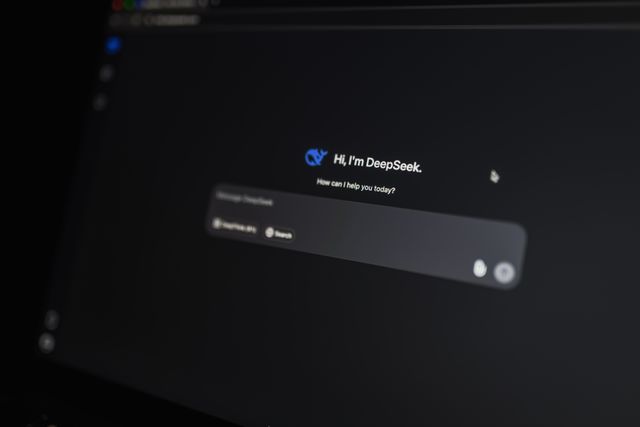
This one is everywhere now, but a lot of people still treat AI tools like either magic or something suspicious.
Using tools like ChatGPT isn’t really about replacing thinking. It’s more like speeding up the messy middle part—drafts, ideas, structure, quick explanations.
I use it in a very unglamorous way most of the time. Half-finished thoughts, rough writing, questions I’m too tired to phrase properly. It doesn’t “do the work,” but it definitely unsticks things.
Digital organization that goes beyond folders
There’s a point where your files are organized but your thinking isn’t.
That’s where tools like Notion come in. Not because they’re magical productivity systems, but because they give you a place to dump structured chaos.
I didn’t get it at first. It felt like extra effort. But later I realized I was already doing the same thing—just across 20 different apps and random notes.
Having one place where things actually live changes how you think about your work. Slowly, not instantly.
Cybersecurity habits people still underestimate
This is one of those skills people only care about after something goes wrong.
Simple things like password managers, two-factor authentication, and not clicking random links sound obvious. Until you realize how often people still skip them.
I used to reuse passwords more than I’d like to admit. It felt easier at the time. Until it didn’t.
Now it feels less like “extra security” and more like basic maintenance, like locking your door when you leave the house.
Basic troubleshooting without panic
Most people’s first reaction when something goes wrong on a computer is panic or restarting everything blindly.
But a lot of issues in Microsoft Windows or any system really come down to small things—updates, background apps, storage, or just one frozen process acting up.
Learning to calmly check Task Manager, restart a single app instead of everything, or just wait instead of over-clicking makes a bigger difference than people expect.
It’s less about being technical and more about not panicking immediately.
Cloud + device syncing that quietly runs everything now

People don’t always realize how much syncing is happening behind the scenes.
Your phone, laptop, browser history, documents—everything is quietly staying connected if you set it up properly.
When it works, it feels invisible. When it doesn’t, it feels like chaos.
Understanding even the basics of syncing saves you from that “why is this not on my other device?” moment that still happens way too often.
Not everything needs to be mastered, but everything needs awareness
That’s the part I wish someone had said earlier.
You don’t need to be an expert in everything. Most people aren’t. But being aware that these tools exist—and knowing just enough to use them when needed—changes how you move through work and daily tasks.
And honestly, once you stop ignoring these “small” skills, computers start feeling less like unpredictable machines and more like tools you can actually control without fighting them all the time.