I keep seeing people say they “need better digital skills,” but when you look closer, it’s not that they’re bad with tech. It’s more like their setup is quietly leaking time in a hundred small ways.
I used to be the same. Nothing dramatic was broken. Just constant friction. Clicking around too much. Searching too often. Repeating steps I definitely shouldn’t have been repeating.
That’s what this is really about—small skills that make everyday tech stop feeling slightly annoying all the time.
File skills that stop the daily scavenger hunt
If you’re constantly searching for files, the problem usually isn’t your memory. It’s your structure.
Inside Microsoft Windows or cloud storage like Google Drive and OneDrive, the goal is simple: make saving obvious.
Not clever. Not complex. Just predictable.
Work goes in one place. Personal in another. Projects stay active and visible. Everything else gets archived instead of cluttering your daily space.
It’s boring. But boring systems are the ones that actually survive real life.
Shortcuts that quietly remove daily resistance
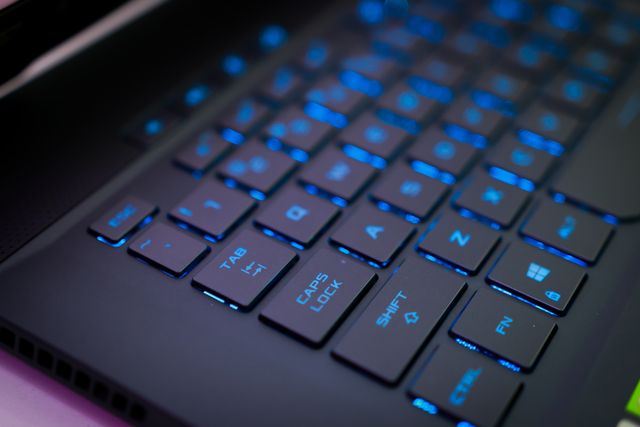
I ignored keyboard shortcuts for way too long because clicking felt “normal.”
But normal was slow.
In Microsoft Windows, things like switching windows, copying text, opening search, or taking screenshots happen constantly. Doing all that manually adds up in a way you only notice after you stop.
Shortcuts don’t make you advanced. They just remove unnecessary steps between you and what you’re trying to do.
Cloud storage is just how work moves now
There’s a point where storing files on one device stops making sense.
Tools like Google Drive, Dropbox, and OneDrive quietly solve that by keeping everything synced.
The real skill isn’t uploading files. It’s trusting the system enough to stop duplicating everything “just in case.”
That habit disappears slowly, not suddenly.
Basic troubleshooting without spiraling
A frozen app or slow laptop in Microsoft Windows rarely means something serious.
Most of the time it’s just a stuck process or too many things running at once.
Open Task Manager, close what’s misbehaving, restart if needed.
The real skill here is not turning a small glitch into a full investigation.
Communication that doesn’t create extra work
This one is underrated.
Bad messages create confusion. Confusion creates follow-ups. Follow-ups waste time.
I used to write long explanations thinking it helped. It usually didn’t.
Now I aim for clarity first. Short, direct, no extra noise.
It reduces back-and-forth more than anything technical ever did.
Safe browsing habits that prevent avoidable problems
This isn’t about fear—it’s about not creating problems for yourself.
Random downloads, suspicious links, and “urgent” messages are where most issues start.
A few seconds of checking saves hours of cleanup later.
AI tools as a normal skill, not a special one
Tools like ChatGPT are just part of digital work now.
Not magic. Not replacement thinking. Just faster drafting, clearer explanations, and help untangling messy thoughts.
The skill isn’t technical. It’s learning how to ask without needing perfect wording first.
Organizing information so future-you doesn’t suffer
Notes are easy. Finding them later is the real problem.
That’s why structured systems like Notion or clean folder setups matter more than fancy tools.
If you can’t locate something quickly, it’s not organized—it’s just stored somewhere vaguely “accessible.”
Automation that removes repeat work
This is where time starts coming back quietly.
Auto-syncing with Google Drive or OneDrive, templates for common documents, auto-sorting downloads.
None of it feels exciting.
But it removes the same small actions you’d otherwise repeat every day without noticing.
The real idea behind all digital skills
It’s not about knowing everything.
It’s about removing friction.
Less searching. Less repeating. Less guessing. Less fixing the same small issues over and over.
Once that starts happening, your computer stops feeling like something you constantly manage.
It just becomes something you use.