the internet feeling “slow” is usually not just the internet
I swear, every time someone says “my Wi-Fi is slow,” it’s like… yeah, maybe. But also maybe your browser is just drowning quietly in 47 tabs you forgot existed.
I’ve been there. You open your laptop “just to check something quickly” and suddenly it’s 3 hours later, fan screaming, Chrome acting like it’s running a space mission, and you’re sitting there wondering if the internet is broken or if it’s just tired of you.
the tab situation is worse than we admit
Let’s be honest. Nobody closes tabs properly anymore. We just… emotionally detach from them.
But each tab is still doing something in the background. Some are quietly eating memory like it’s free buffet day. And your browser? It’s trying its best, but it’s also not a magician.
One of the simplest speed tricks that nobody likes hearing: close stuff. Not later. Not “I might need this.” Just close it. If you haven’t touched it in 3 days, you probably won’t suddenly become a different person tomorrow.
extensions: helpful… until they’re not
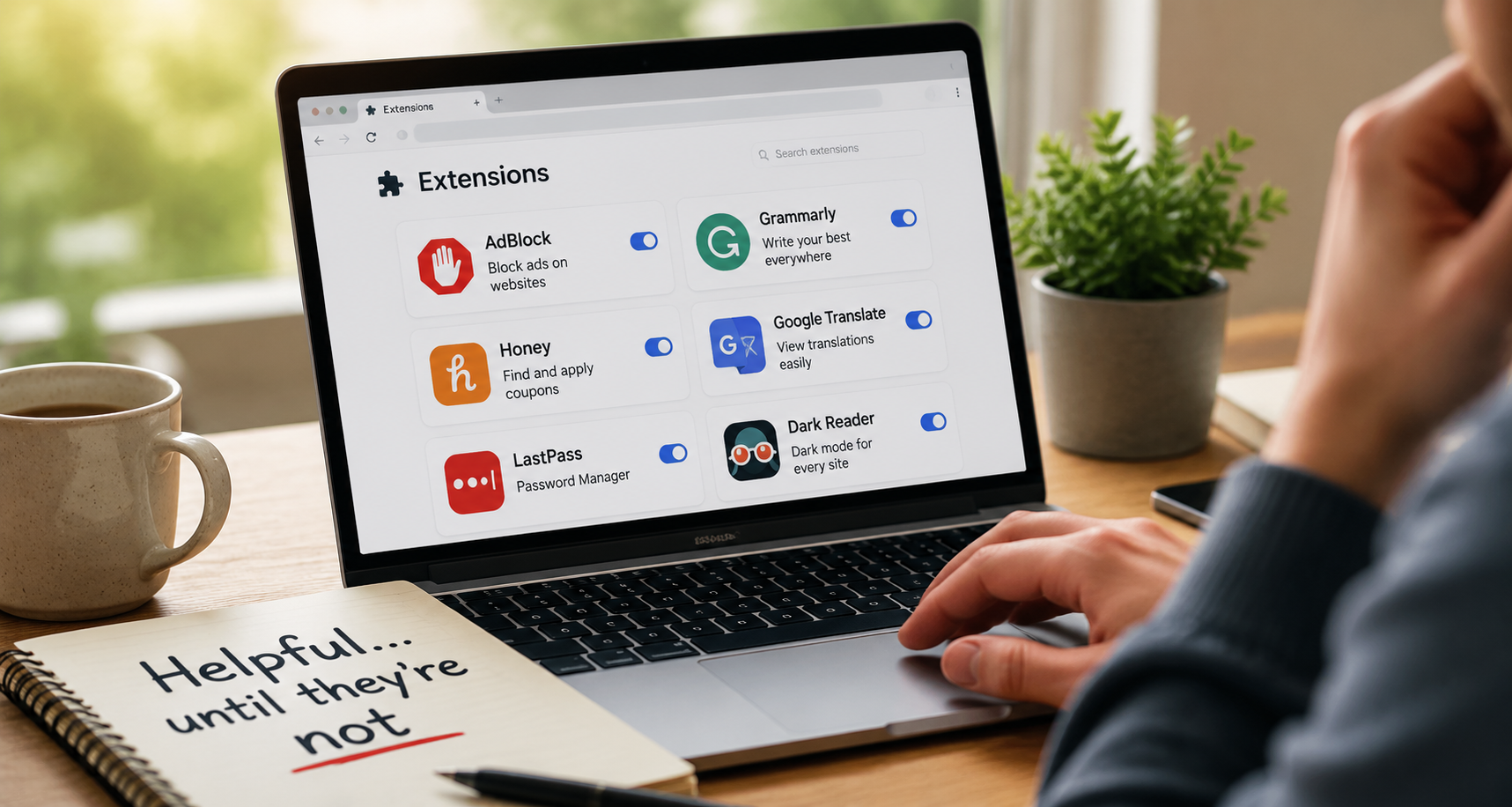
Browser extensions are like those little “productivity hacks” you install during a motivated phase of your life.
Then months pass and you realize half of them are still running, quietly slowing things down while you’ve completely forgotten why you installed “dark mode enhancer pro ultimate v2.”
I once removed a bunch and my browser suddenly felt… lighter. Like it had been carrying emotional baggage I didn’t know about.
cache and cookies (the stuff everyone clears only when desperate)
There’s something satisfying about clearing cache. Like wiping a dusty table you’ve ignored for months.
Websites load weirdly faster afterward. Logins disappear. You get annoyed for 10 minutes and then suddenly everything feels smoother and you pretend you always knew this trick.
It’s not magic. It’s just your browser letting go of old clutter it was holding onto “just in case.”
the “restart it” advice that actually works too often
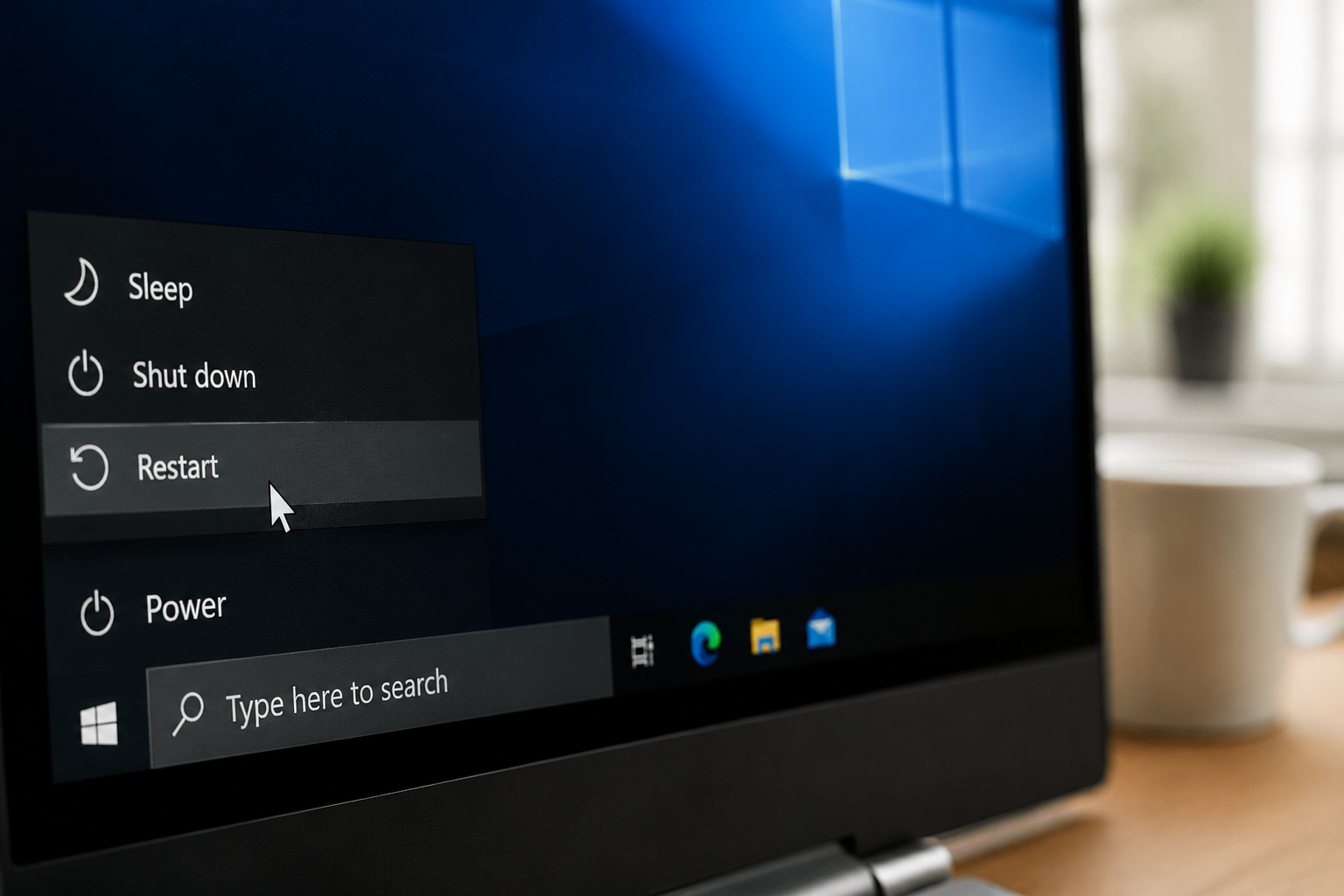
I hate how effective this is. Like, genuinely annoying.
Browser feels slow → restart it → suddenly everything is fine again. No deep explanation. No tech degree required. Just turn it off and on like it’s a stubborn TV remote.
Sometimes I think half of tech support jobs could be replaced by someone calmly saying “have you tried restarting it?” and then waiting.
your internet might be fine… your DNS might not
This one sounds more complicated than it is, but stay with me.
Sometimes websites load slowly not because your internet is bad, but because the “address lookup” part is dragging its feet. Changing DNS settings can make things feel snappier.
It’s one of those fixes that feels like cheating when it works. Like you didn’t earn the speed boost, it just appeared.
hardware matters more than we like to admit
This is the part nobody wants to hear because it involves money.
A heavy browser on a weak laptop is basically a slow dance between ambition and limitation. You can optimize everything and still feel lag because the machine is just… tired.
I’ve seen people try every trick in the book while their laptop sounds like it’s preparing for takeoff. At some point, no setting is going to save that situation.
too many background tabs = silent slowdown
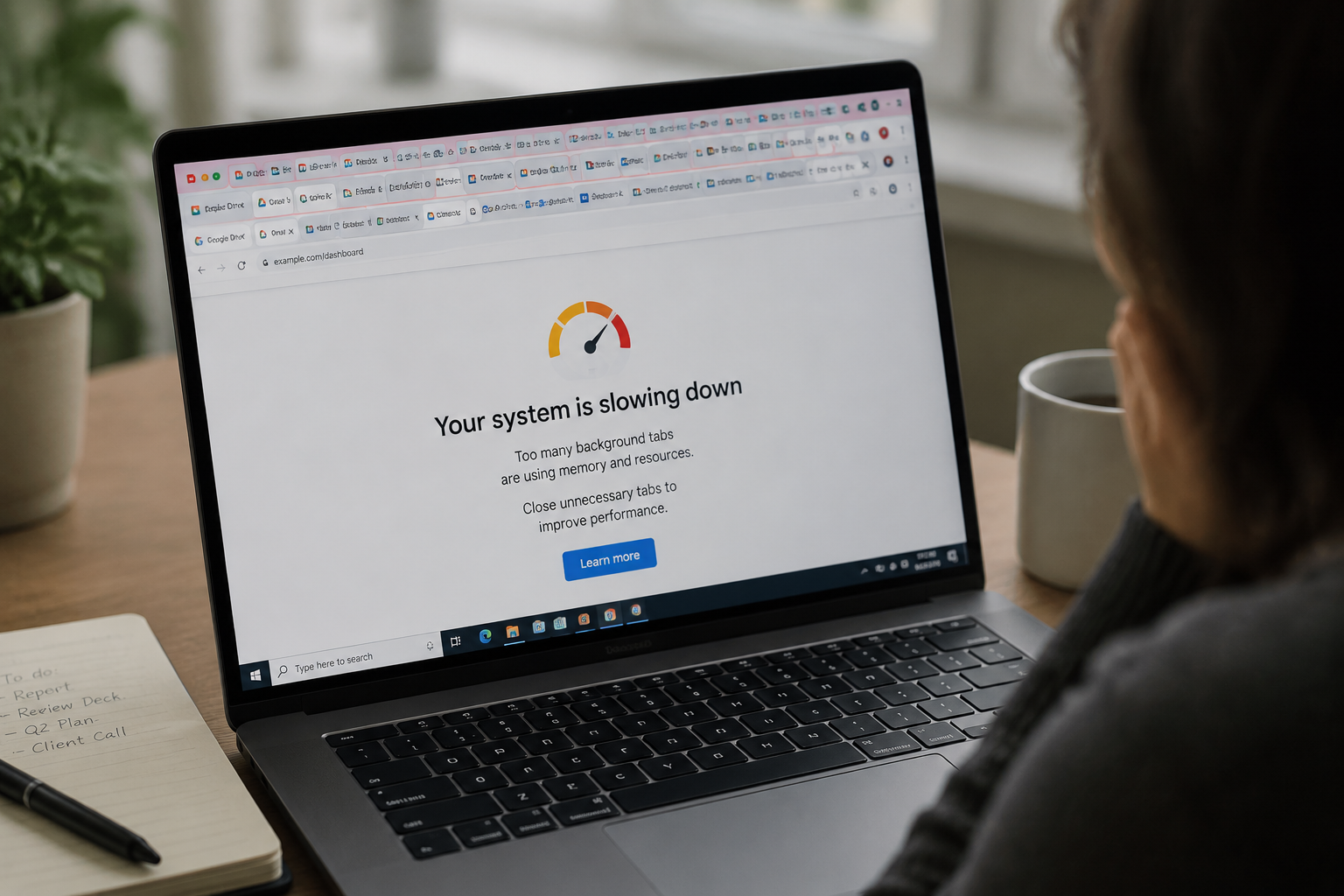
Some tabs are sneaky. They don’t look like they’re doing anything, but they are refreshing, updating, running scripts, and quietly making your system work harder.
Especially things like social media dashboards, video sites, or anything with live updates. You think it’s idle. It’s not.
One day I closed a bunch of them and my laptop stopped sounding like it was judging me. That’s the best way I can describe it.
the real “trick” nobody sells you
Honestly, most browser speed tricks are not secret.
They’re just boring habits: fewer tabs, fewer extensions, regular cleanup, and not treating your browser like an infinite storage unit for your attention span.
The funny part is we keep looking for advanced solutions when the real issue is usually… we just didn’t close things properly.
I say that knowing I’ll probably ignore it myself again tomorrow.